 Driver Offer Advisor
Privacy & Trust
The plain-language version. The legally binding one is the Privacy Policy, and nothing here goes beyond it.
What happens to a screen frame
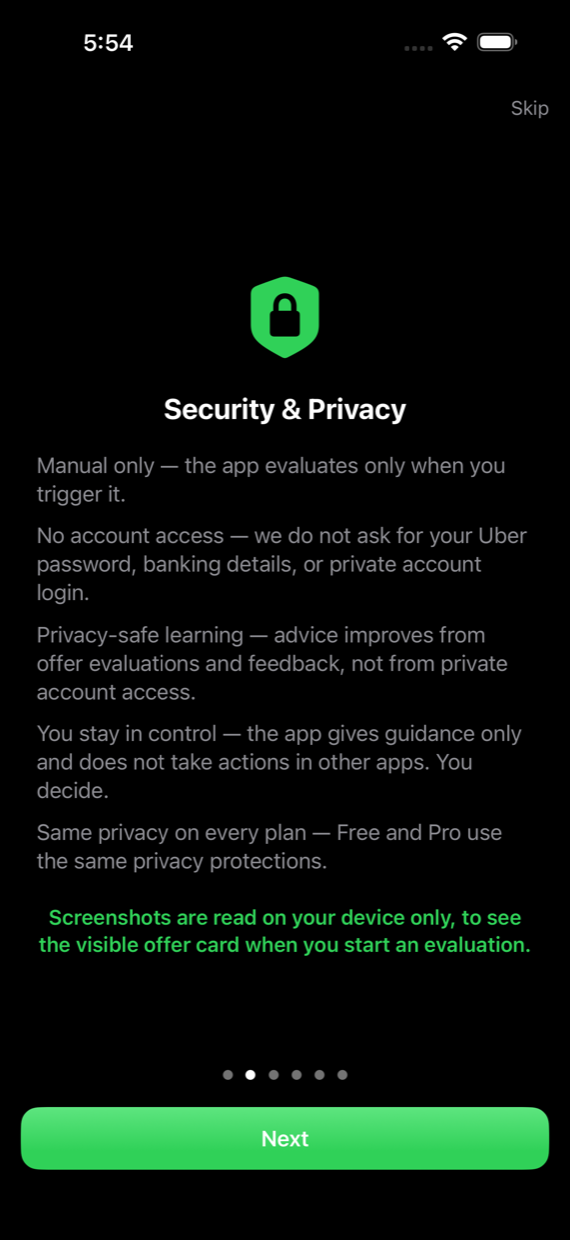
- Read on your device. When you trigger an evaluation (or Auto Scan is running), the offer card visible on your screen is read by the app, on your phone. iOS shows the recording indicator the whole time a broadcast is active.
- Numbers come out. The app recognizes the offer’s details in memory: fare, distances, minutes, rating.
- The image is discarded. The screenshot and the raw text read from it are used in memory and immediately dropped. They never leave your phone and are never saved.
- Only the math travels. What reaches the server is the numbers needed to score the offer, plus a coarse area name like “Toronto”. No rider names, no street addresses, no postal codes, ever.
What the app never asks for
- No Uber login. It never signs into your Uber account and never connects to Uber’s systems.
- No banking or card details. Subscriptions, if you ever choose one, are handled entirely by Apple.
- No contact list, no rider data, no tracking of you around the web. This website itself ships zero third-party trackers or analytics scripts.
Advisory-only is a design decision, not a limitation
Driver Offer Advisor never accepts, declines, or automates anything. It reads what is already on your screen and gives you a verdict with the reason. Auto-accept tools work differently, and that difference matters: this app takes no actions in any other app, which is exactly why we built it this way. Every tap is yours.
You stay in control of your data
- Auto Scan starts only when you start it, and stops when you stop it.
- Delete my data in the app removes your evaluations from the server.
- Free and Pro use the same privacy protections. Privacy is never a paid feature.
Questions drivers actually ask
The guide on assistant apps and deactivation goes through this properly. The FAQ answers the common ones, including “Can Uber deactivate me for using this?” and “Is my screen data private?” For anything else: support@driverofferadvisor.com.
Advisory only. Not affiliated with Uber or Lyft. No earnings are guaranteed. Full details: Privacy Policy · Terms of Use.